Hip Cactus Dance
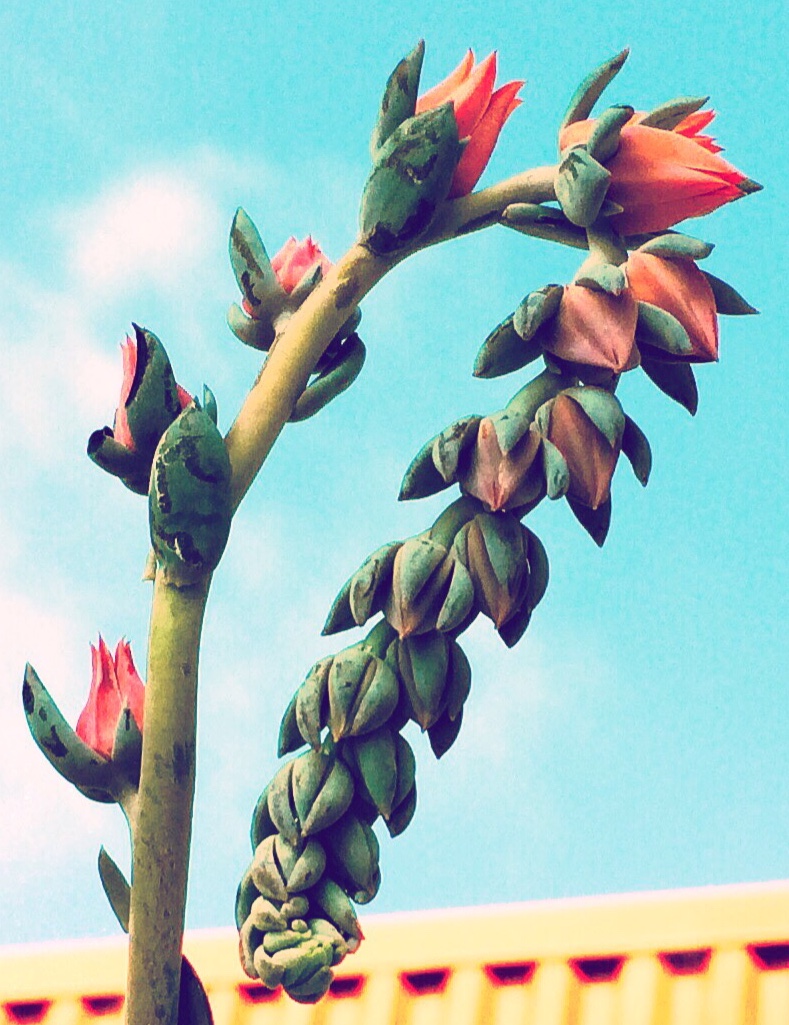
A near-by nursery has an extensive collection of cuts and succulents. This one gave off a particularly, fetching vibe as it bloomed against the sky. Had to tilt and bend to capture its off-kilter beauty.
Whole Image Candy Cane Succulent and Euphorbia
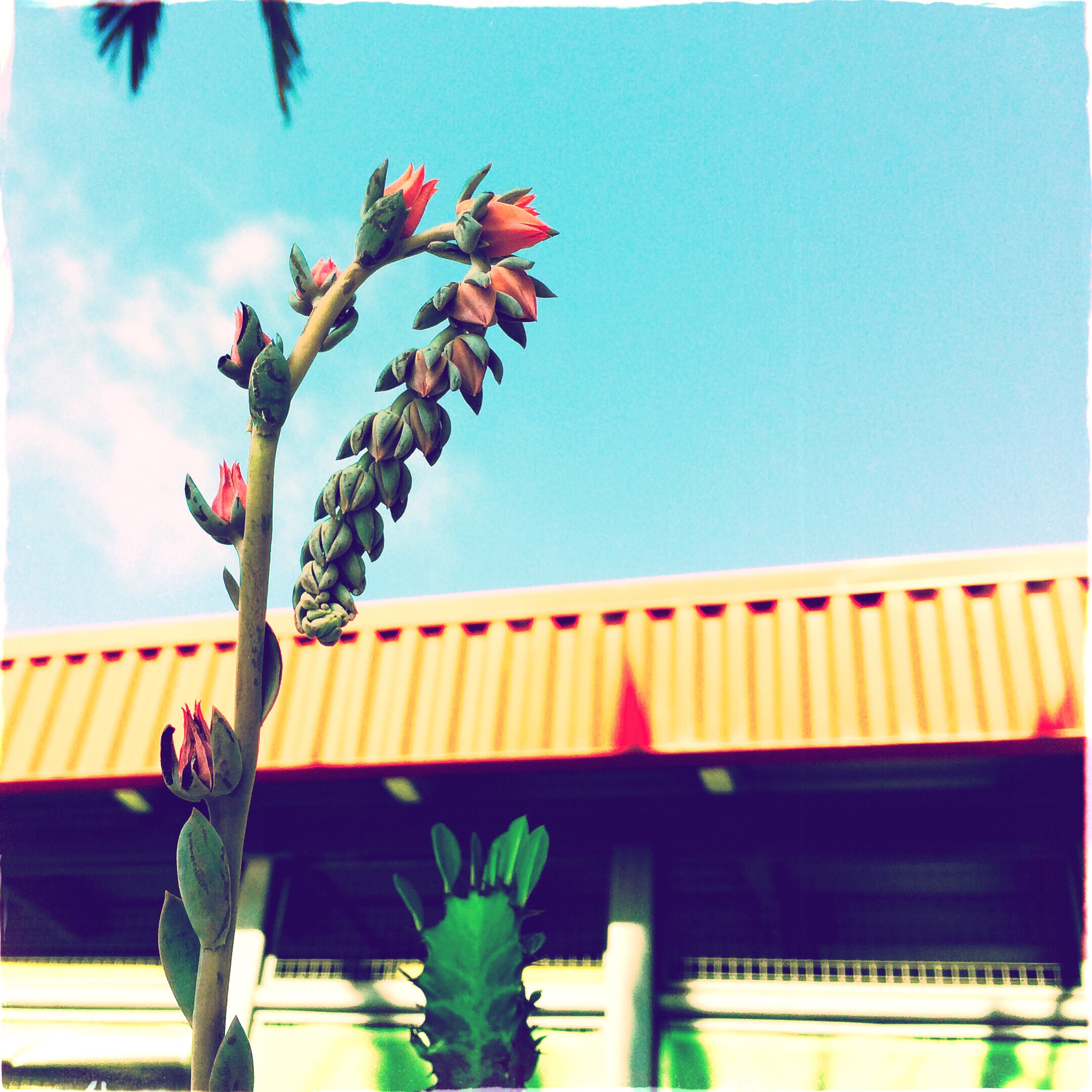
What’s Appening?
I’m Learning to use Oggl advanced form of Hisptamatic that lets me import photos from my library. I love the images I get from their free version Hipstamitic 2 but do plan to join up for least three months of all the lenses and films. BUT I am finding once they are imported the original imagine is forever changed. Either I am doing something wrong or I need to copy it to save the original. So be careful as you Oggl around. Or does anyone have any suggestions.
Weekly Photo Challenge Close Up
 Light Words
This is beautiful!!
LikeLike
Hi Carol,
I really like the colors in this photo. It has a very ’50s vibe.
In answer to your question about Oggl edits: Go into the Settings on your iPhone, scroll down the screen and click on oggl, scroll down to “Save every version” and switch it on.
Now all of your originals, and edits, will show up in your “Photos” app on your phone. To verify this, take a photo in Oggl, select it and make and save two or more versions. Exit to app and look in your Photos file—the original and all of the edits should be there. Ω
LikeLike
Thank you! That makes it easer.
There was a snafu at Looking Glass so I couldn’t take the class. You just saved me $60.
Smile
LikeLiked by 1 person
This is a really cool find. I have never used Oggl but have found that Snapseed has changed in the way they save their edits. There are three options to save and then the final one is to export with the edits – that way I still keep the originals. Good luck Carol
LikeLike